Top Video Calling Apps
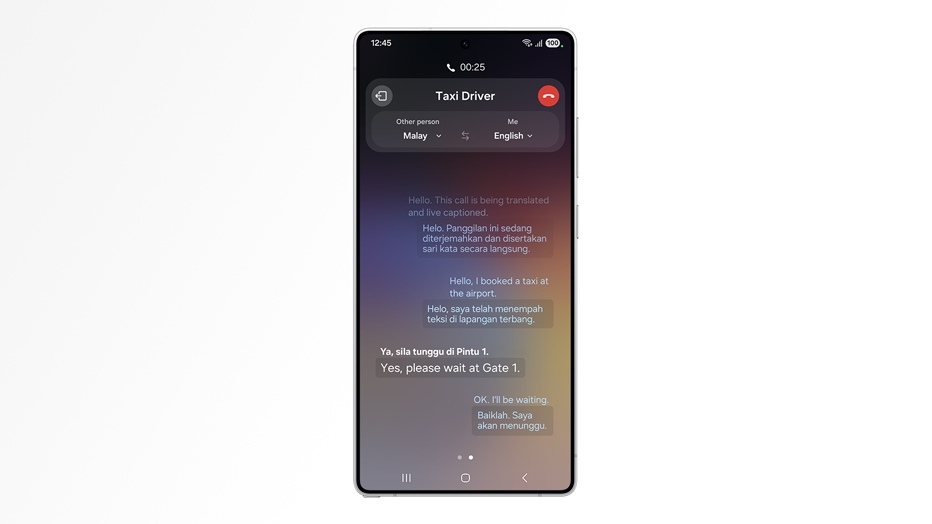
Video Chat, this term was mostly associated to the desktop computers and laptops in the past decade, that you should have a webcam to make a video call to someone. But thanks to the advancements in phone camera technology, now video chat can be done through phones. With the recent improvements in front camera technology in phones, video chat has become Mainstream now. There are many fabulous third party apps are available for video chat. Here we make a list of best video calling apps available across all mobile platforms.
Skype:
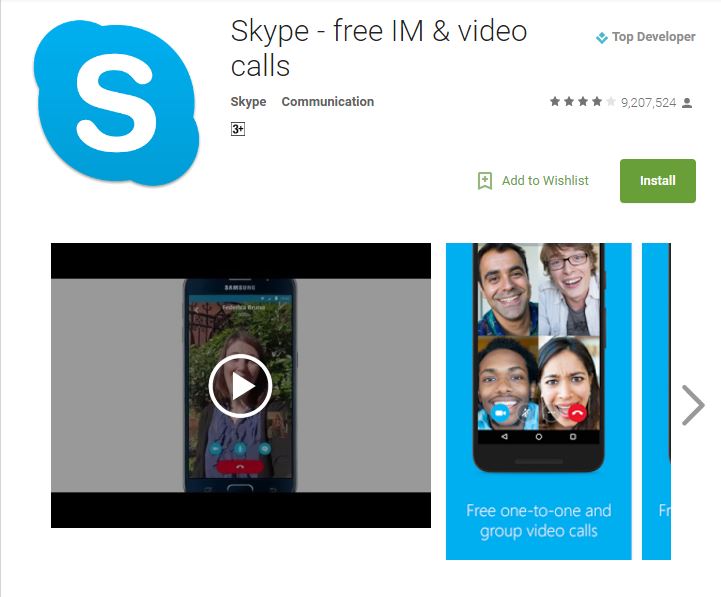
Skype is one of the eldest and a kind of pioneer app in the video chat. Over the years, it has expanded its range of services, with more than 700 million registered users. Skype has dedicated apps for all the platforms including Android, iOS, BlackBerry, Windows, Mac OS etc. It allows cross platform communication (e.g. you can call from smartphone and the recipient may answer from PC) and video chat for free. Apart from video calling, Skype also allows instant messaging and file and photo sharing. Skype also has other cool features like group chatting, video message and many more.Download for Android
Download for iPhone
Facebook Messenger:
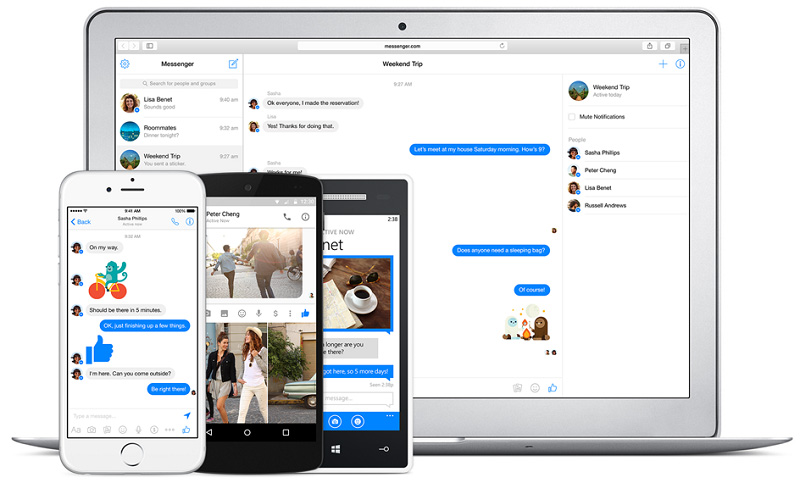
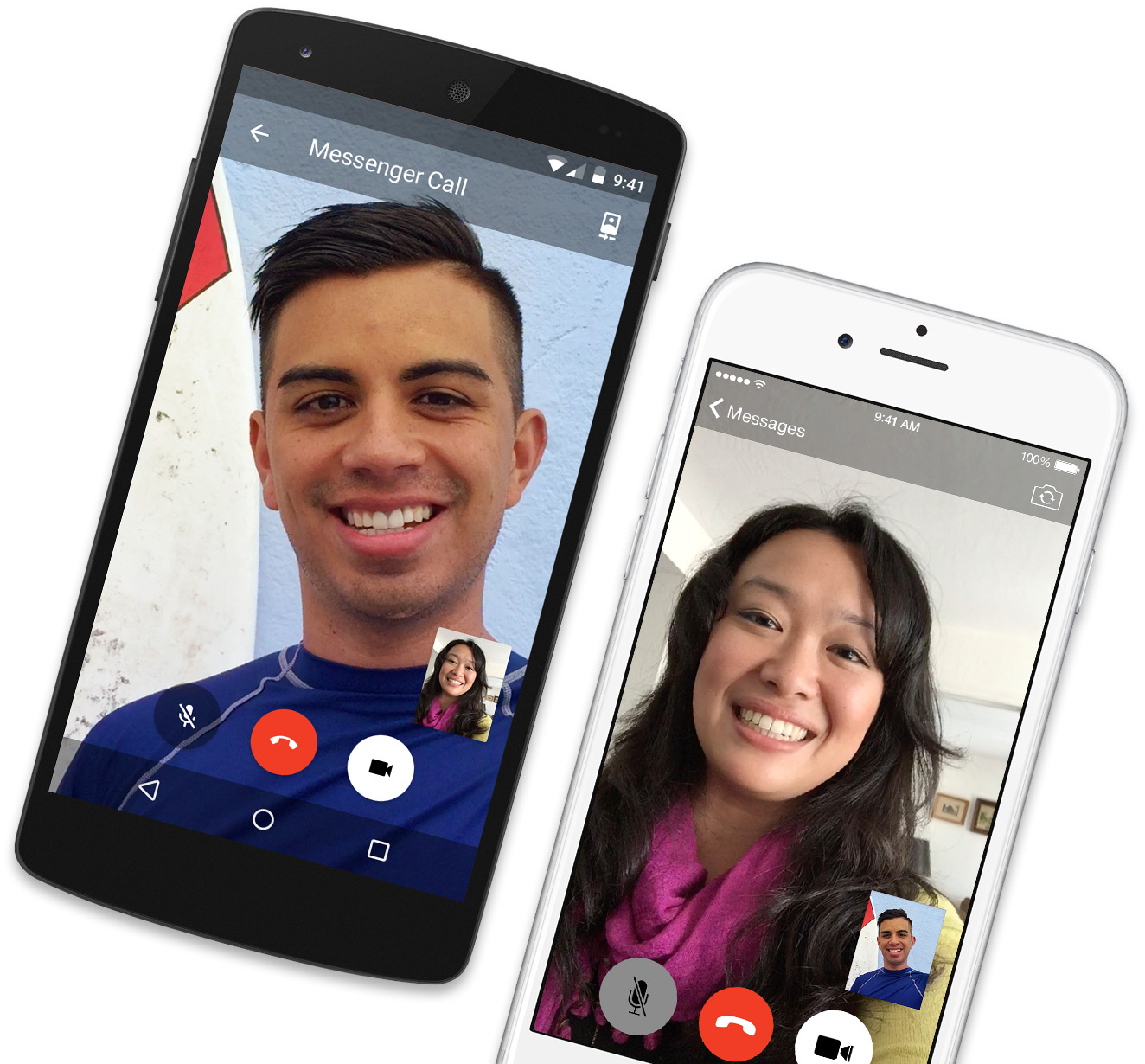
Facebook Messenger is another popular free app that lets you make video calls. Messenger is among the most widely used apps due to Facebook, as this social network is biggest in terms of active users. Messenger has dedicated apps for all mobile platforms and it is very easy to use. You can call anyone within the Facebook around the globe without any cost. Messenger has a very easy and simple interface, all you need is to select the name / contact and tap the video button to start video chat. Unlike Hangouts and Skype, Messenger does not have the facility of group calling.Explore More Features
Download for Android
Google Hangouts:
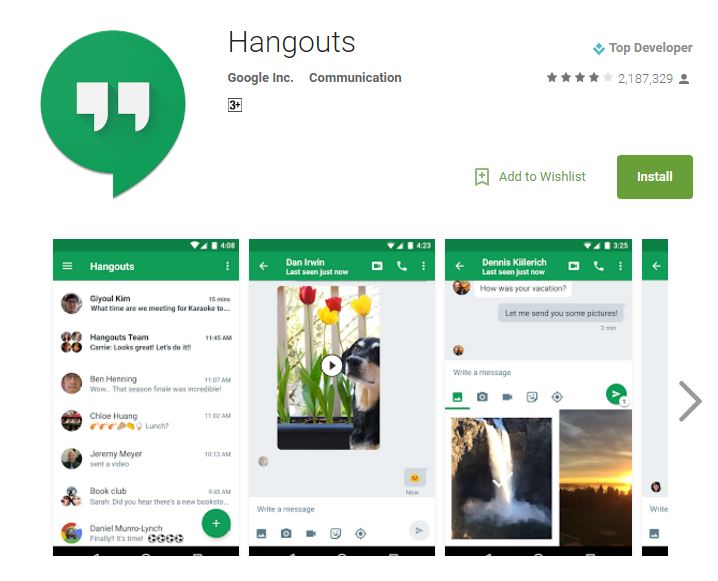
Hangouts is a fabulous app developed by tech giant Google. With its amazing features, this app is Google’s answer to Apple’s facetime and Microsoft’s Skype. Hangouts is available for all mobile platforms including Android, iOS, BlackBerry, Windows Phone etc. This app also supports cross-platform communication. Hangouts is very easy to use, you just have a Google+ account to start using it. You can send messages, share files, make audio and video calling and live video streaming as well. You can also send images during a call, which are saved in private album in Google+. One call talk up to 10 participants simultaneously. Hangouts is totally free and it is pre-installed on some android devices. With its numerous features, Hangouts is really good Skype alternative.Download for Android
Download for iOS
Apple Facetime:
Apple Facetime is the built-in video call app for all iPhone users. It is developed by Apple and only available for iOS and Mac OS users. Facetime is very popular video chat app despite being available for Apple users only. It has simple yet effective interface to make video calls over Wi-Fi or cellular Network. You can communicate with anyone who has an Apple device. Recently, Apple has added Continuity feature, through which you can start call from iPhone and continue it on any other Apple device.Download for iOS

Viber:
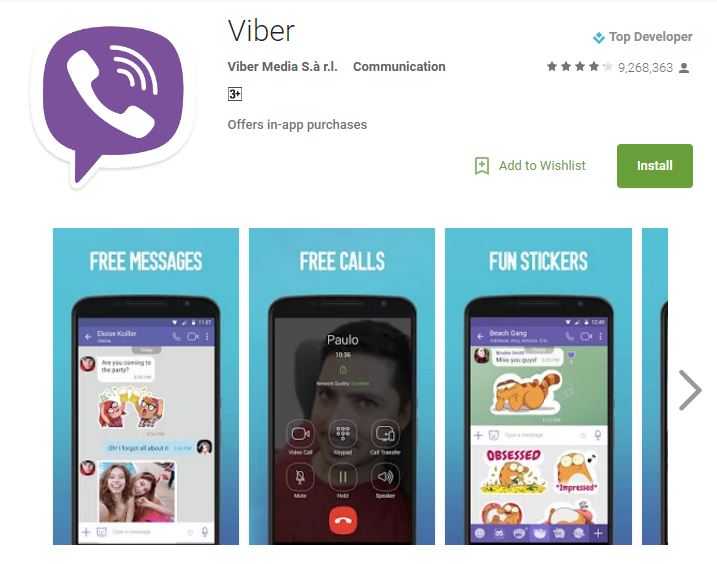
Viber is a very popular free app which allows video calling from your phone or desktop device. Earlier, it was used to make free phone calls, but now it has added the feature of video calling. You can use it as an alternative to Skype. Viber has dedicated apps for all mobile platforms e.g. android, iOS, Windows Phone, BlackBerry etc. and also for Windows PC & Mac OS. Viber can be used for sharing contacts, files, messages, locations, etc. You can make video calls to your Viber contacts. Simply tap the Camera sign next to a person’s name and start talking. You can also enjoy group audio calls for up to 40 participants on Viber. Although it has a very smooth interface, but the users may suffer crashes and lags while using it on Viber.Download for Android
Download for iOS
Tango:
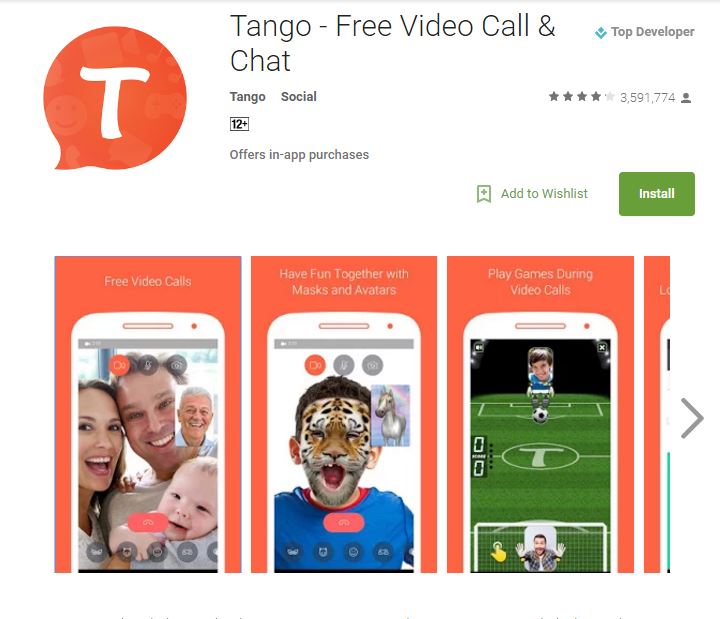
Tango is also a very popular messaging service which allows video calling. Tango is available for all mobile platforms and Desktop computers. This app has many unique features along with the usual features like voice and video calling, messages, photo sharing and files etc. You can discover new friends through its unique Discovery feature, which allows you to find new people. You can also play mini games during a video call and may challenge the caller in real time. Tango is very unique app with lot of interesting features.Download for Android
Download for iOS
LINE:
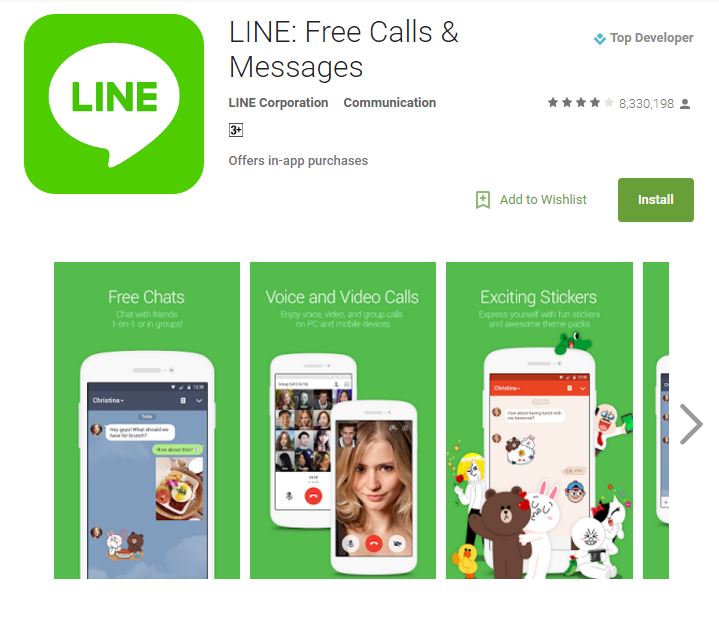
LINE is another very popular free app for video calling and chat. It has a dedicated application for almost every mobile platform and also for Windows and Mac users as well. You can select a contact and tap the video button to start a video call much like messenger. Other features include instant messaging, voice calling, photo sharing and many more. Like Messenger, it does not support group video calls.Download for Android
Download for iOS
BBM:
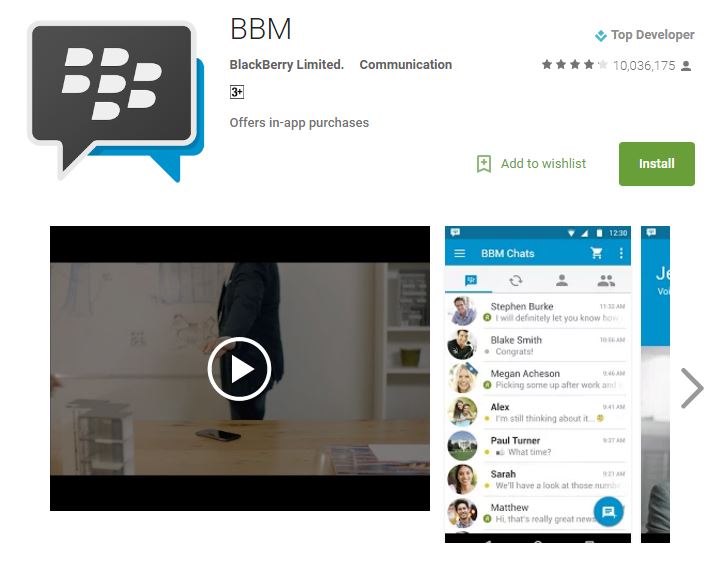
BBM also known as BlackBerry Messenger allows the option of video calling. It is another decent app for video calling developed by BlackBerry. This app is available for all the platforms including Android, iOS, Blackberry, Windows Phone etc. BBM allows text-based messages, video calling, share files etc. BBM messenger is very reputable for its uptime and reliability.Download for Android
WeChat:
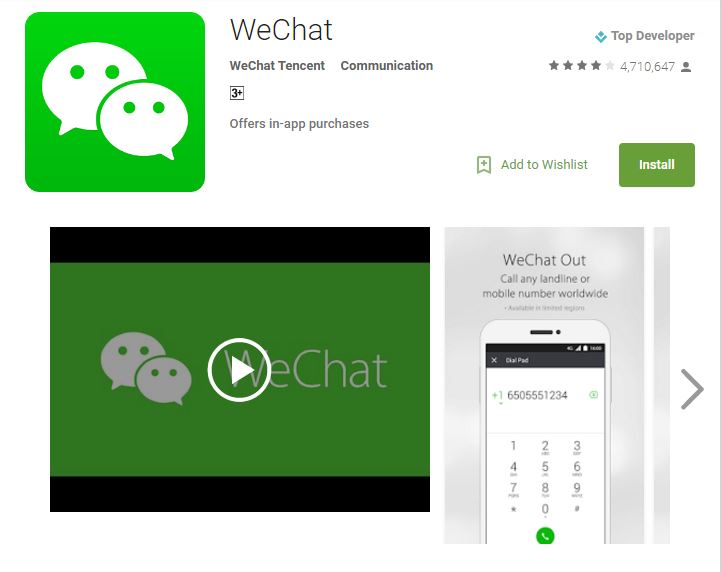
WeChat is also very popular messaging free app which allows video calling. It was originally developed as an instant messaging app, but now it provides all the stuff which you would expect from a video calling app. This app allows many innovative ways of calling like conference call, video call and voice message. WeChat is really gaining popularity with its innovative features besides the regular features like instant messaging and photo sharing etc.Download for Android
Download for iOS
IMO:
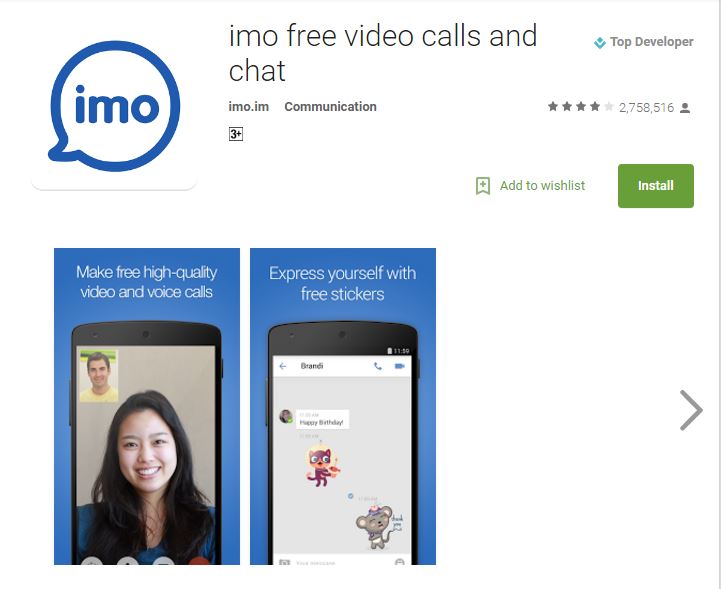
Imo is another popular free video calls and chat app that lets you keep in touch with your social circle. IMO is available for all mobile platforms along with desktop systems. You can make video or audio calls, send images, and send text messages. IMO has a very intuitive interface and you can enjoy every feature without any troubles of finding it. IMO free video calls and chat is a useful and convenient app.Download IMO